Annotate Together
The essential tool for online tutoring — annotate and highlight on shared screens with your students
What is Annotate Together?
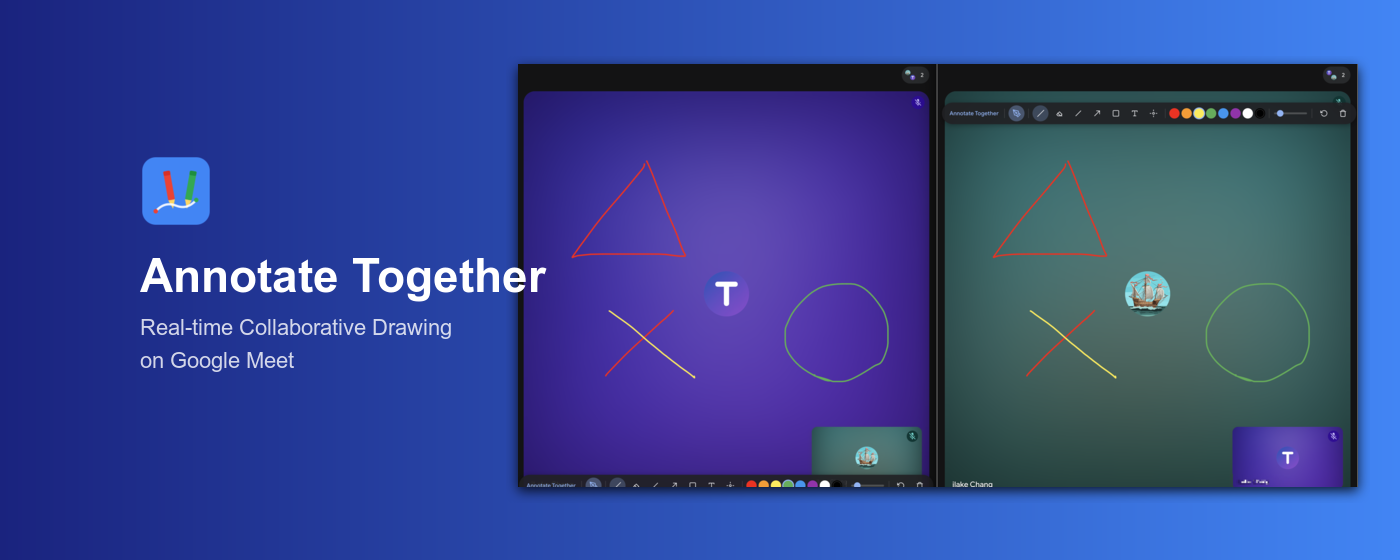
A free Chrome extension built for online teaching. Teachers and students can annotate on the same webpage in real time. Use it with Google Meet screen sharing to highlight key points, circle mistakes, and write notes directly on your teaching materials. No login, no account — just share the URL to start.
Key Features
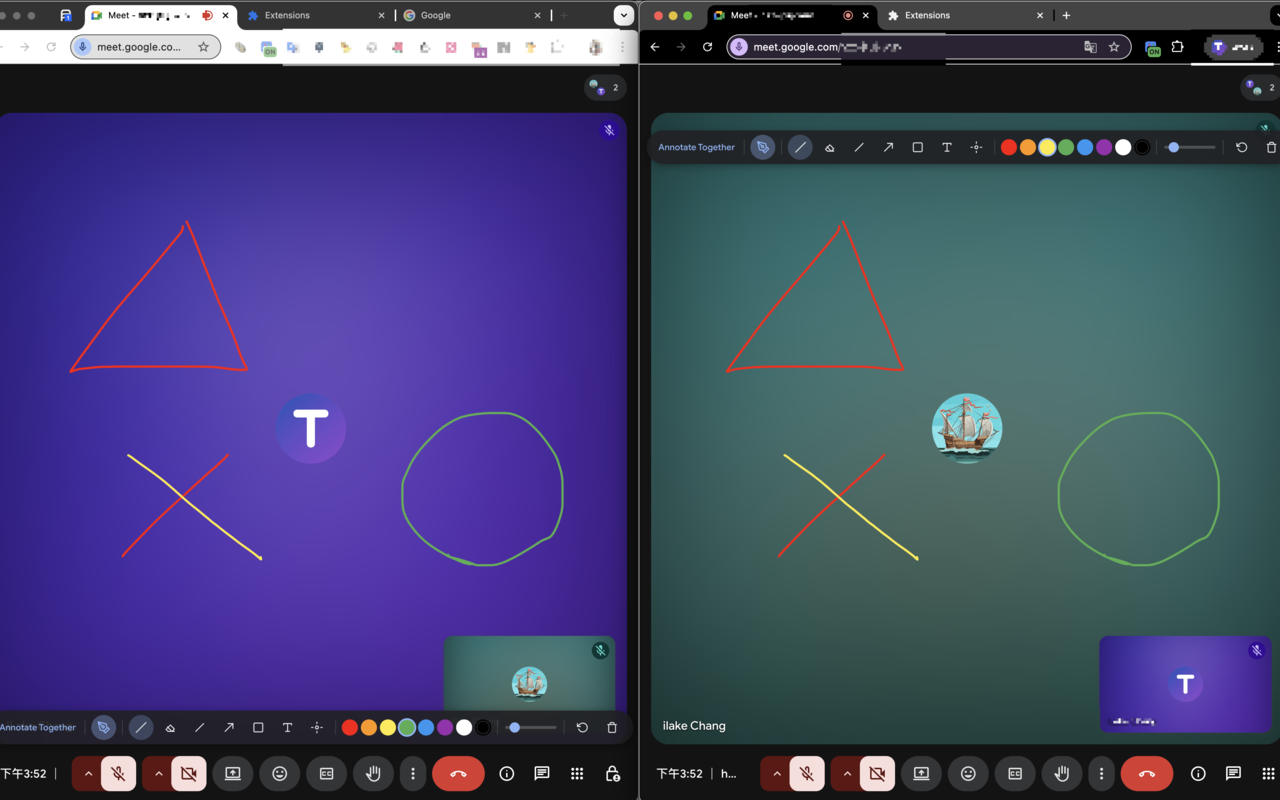
Real-time Collaboration
Everyone annotates on the same screen at the same time and sees each other's marks instantly
Works on Any Webpage
Click the extension icon on any webpage to activate, works alongside Google Meet, Zoom, and other online teaching tools
Rich Drawing Tools
Pen, eraser, lines and arrows, rectangle, text, laser pointer
Custom Colors and Brushes
8 colors, adjustable brush width, supports Ctrl+Z to undo
No Login Required
Share the link, install the extension, open the same page and you're in
Privacy Protection
No personal data collected, annotations automatically deleted after 1 hour
How to Use
Install the Extension
Install Annotate Together for free from the Chrome Web Store
Pin to Toolbar
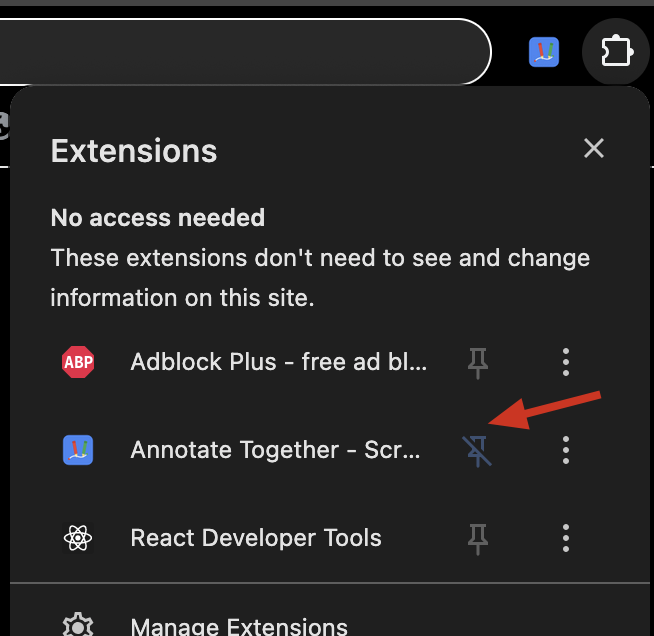
Click the Chrome puzzle icon, find Annotate Together and pin it for easy access
Click the Icon to Start
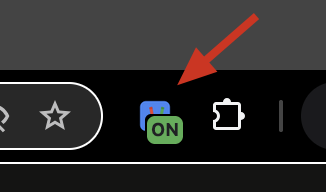
Click the Annotate Together icon in the toolbar on any webpage — the annotation toolbar will appear on screen
Invite Collaborators
Share the URL with others — they install the extension and open the same page
Annotate Together
Everyone annotates on the same screen in real time, seeing each other's marks
How Tutors Use It
One-on-One Online Tutoring
Annotate key points directly on shared materials — students can draw too, more interactive than traditional video tutoring
Homework Review
Open the student's assignment page and circle key points or write feedback directly on it
Presentation Teaching
Use the laser pointer to guide attention — disappears after 2 seconds without leaving a trace
Group Discussion
Multiple students mark ideas on the same screen simultaneously, great for group activities
FAQ
What annotation tool do I need for online teaching?
Annotate Together is a free Chrome extension that lets you draw and highlight directly on shared screens during Google Meet sessions. Students can annotate too — no extra software needed.
How is Annotate Together different from a whiteboard?
Whiteboard tools work on a blank canvas. Annotate Together lets you annotate directly on the webpage you're viewing — teaching materials, PDFs, Google Slides. No window switching during class.
Do students need to pay or sign up?
No. Students just install the Chrome extension and open the URL you share. No login, no account, completely free.
Which online teaching platforms does it work with?
Any webpage opened in Chrome. Works best with Google Meet, Zoom, and Microsoft Teams screen sharing.
Looking for more teaching resources?
TutorNetworking helps teachers build their teaching brand, manage team courses, and automatically handle payments and revenue sharing
Explore Teacher Plans